YouTube Integration
Dein YouTube Studio,
Inside ViralDashboard
Laden Sie Videos hoch, planen Sie Shorts, antworten Sie auf Kommentare und verfolgen Sie die Wiedergabezeit – ohne zwischen YouTube Studio und fünf anderen Tools wechseln zu müssen.
Was Sie mit ViralDashboard + YouTube tun können
Publish, manage comments, and analyze — all in one place.
Videos & Shorts
Upload long-form videos with titles, descriptions, tags, thumbnails, playlists, and privacy settings. Schedule Shorts alongside TikToks and Reels.
Thumbnails & Metadata
Upload custom thumbnails or design them in the Creative Studio. Set all metadata from the composer.
Comment Management
All comments across every video in one stream. Reply, heart, pin, filter spam. Bulk actions for moderation.
Full YouTube Analytics
Channel overview, video performance, Shorts analytics, traffic sources, audience demographics, and revenue data.
SEO Optimization
AI suggests keywords for titles, descriptions, and tags to maximize search visibility. Generate thumbnail text ideas.
Cross-Platform Repurposing
Extract Shorts from long-form videos, or repurpose Shorts as TikToks and Reels automatically.
Unterstützte Inhaltstypen
| Content Type | Supported |
|---|---|
| Standard Video | |
| YouTube Shorts | |
| Custom Thumbnail | |
| Playlists | Metadata assignment |
| Premieres | |
| Live Stream | Analytics only |
Hauptfunktionen für YouTube
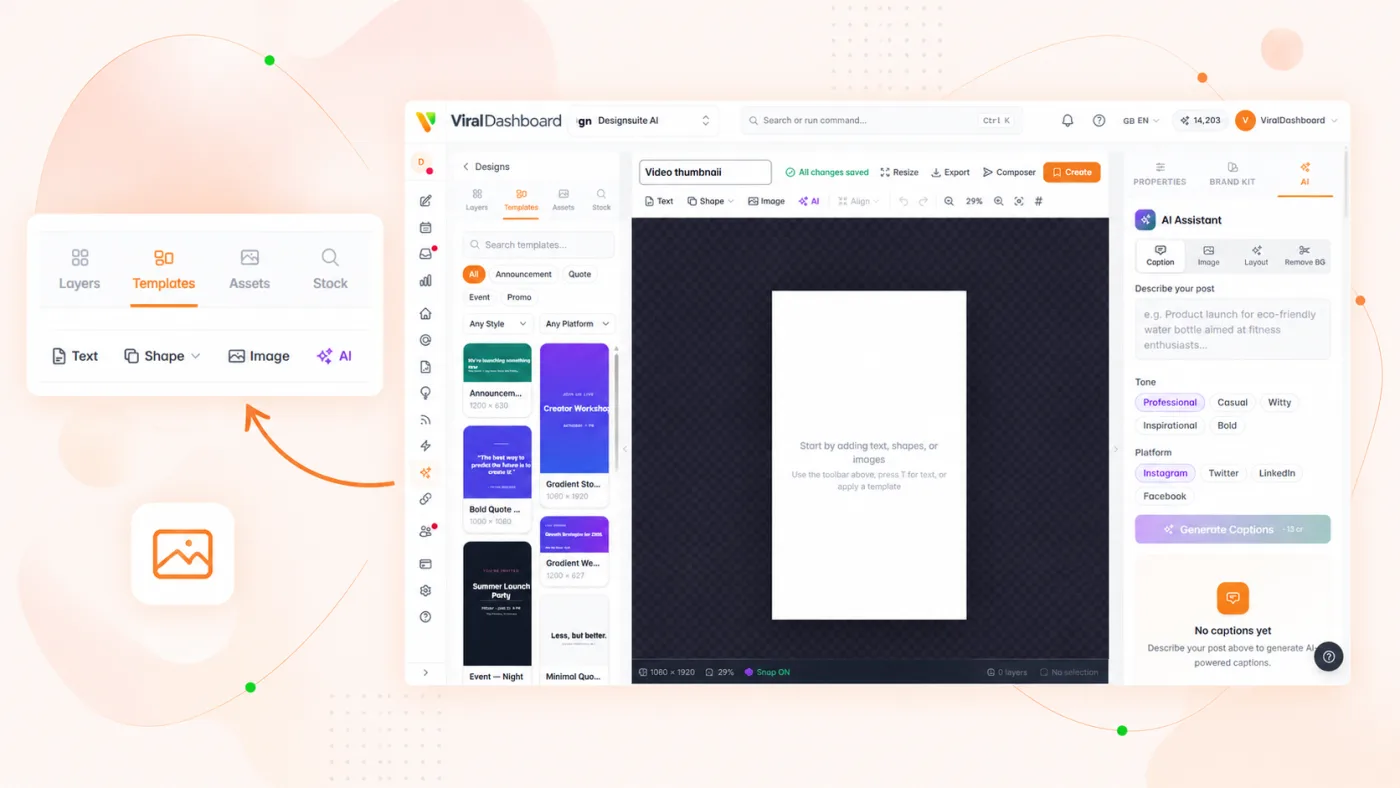
Thumbnail Designer
Create click-worthy thumbnails in the Creative Studio with templates, text overlays, and brand elements.
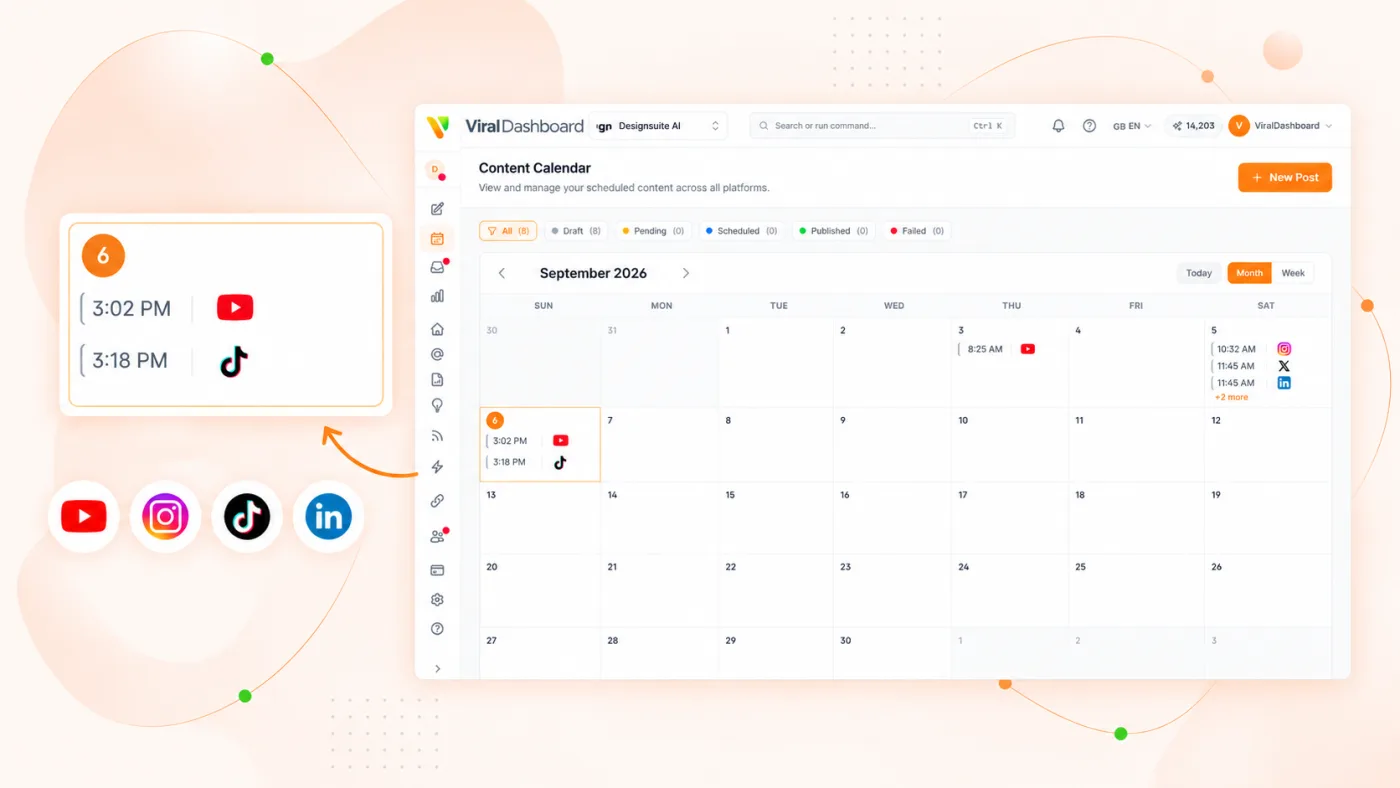
Content Calendar
See your YouTube upload schedule alongside every other platform in one calendar view.
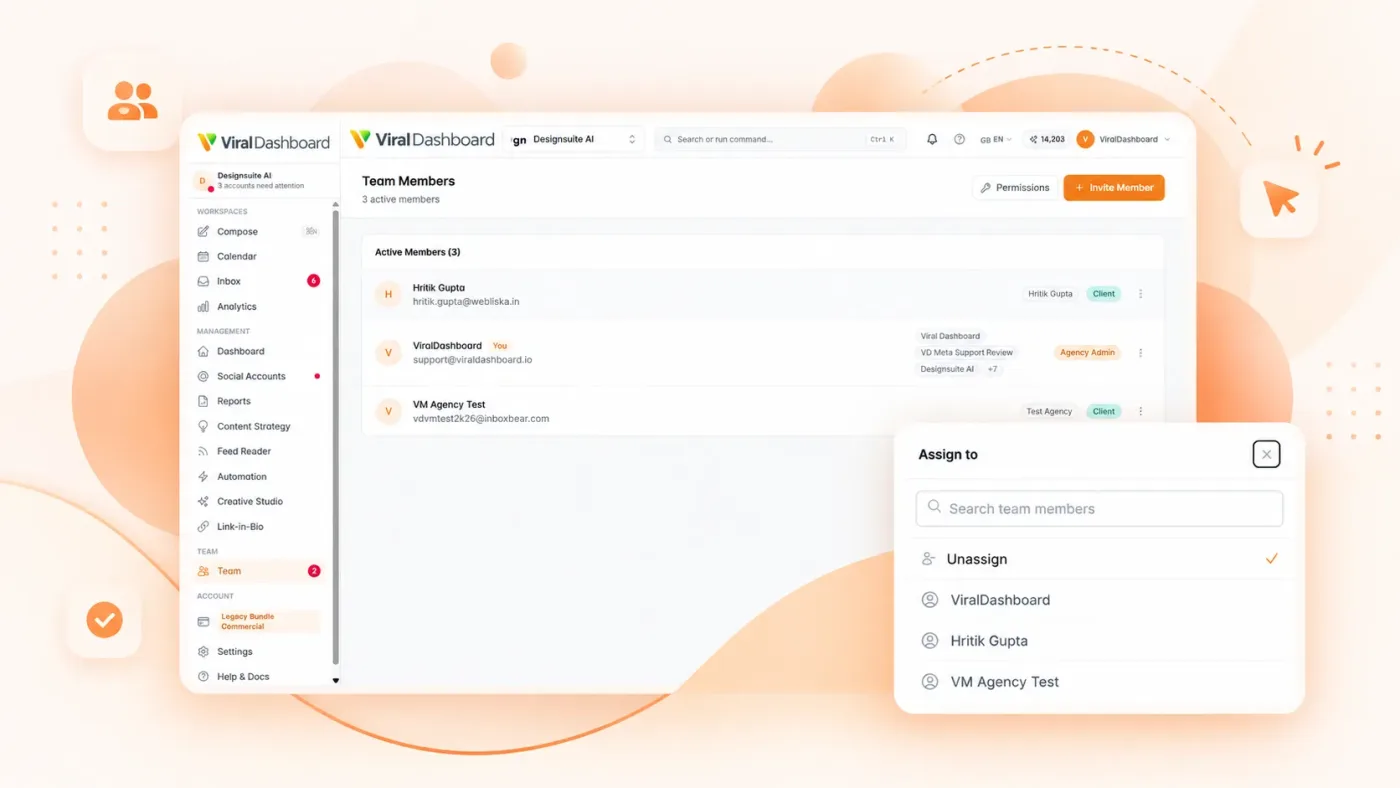
Approval Workflows
Route videos through team or client review before going live. Track feedback and approval status.
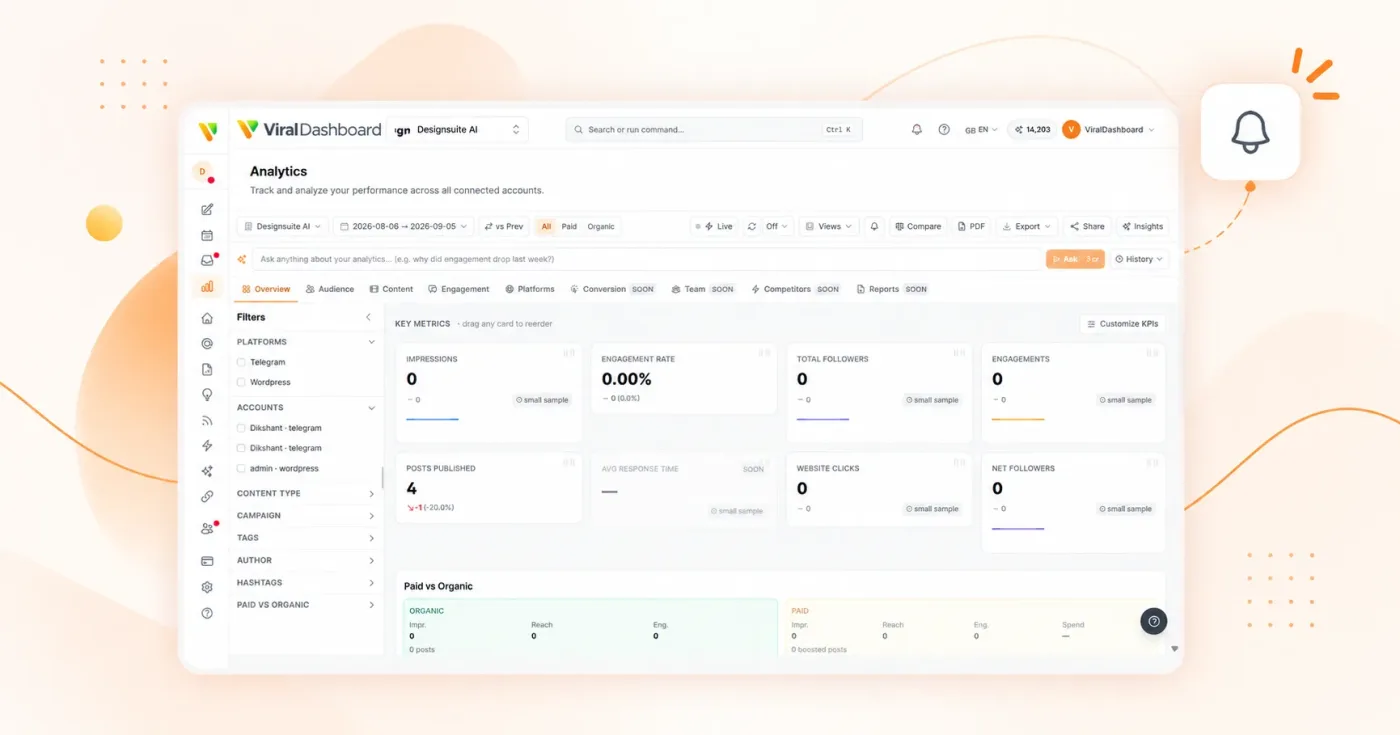
Performance Alerts
Get notified when a video hits a view milestone or when engagement spikes.
Aufstellen
Uses the official YouTube Data API v3 and YouTube Analytics API with OAuth 2.0. Google credentials are handled entirely by Google.
Social Accounts
Go to Settings > Social Accounts.
Connect YouTube
Click "Connect YouTube."
Sign In
Sign in to Google and select your channel.

Permissions
Grant uploading, comment management, and analytics.
Publish
YouTube appears in composer, calendar, inbox, and analytics.
Start today
Betreiben Sie Ihren YouTube-Kanal wie ein Profi
Planen Sie Ihren Upload-Zeitplan, verwalten Sie Kommentare und beweisen Sie das Wachstum Ihres Kanals – alles von einem Ort aus.