LinkedIn Integration
LinkedIn,
Sin el trabajo ajetreado
Programe todo su contenido de LinkedIn, administre los comentarios en una bandeja de entrada y realice un seguimiento del rendimiento de la página con análisis reales, para que pueda concentrarse en construir relaciones, no en hacer malabarismos con herramientas.
Qué puedes hacer con ViralDashboard + LinkedIn
Publish every format, manage comments, track what works.
Text & Image Posts
Thought leadership, industry commentary, company updates with full formatting. Single or multiple images with optimized captions.
Video & Document Posts
Native video with custom thumbnails. PDFs and slide decks as swipeable document posts — one of LinkedIn's highest-engagement formats.
Carousel Posts
Create visual multi-slide carousels that stop the scroll and tell a story.
Unified Inbox
Comments, mentions, and engagement from your inbox. AI classification tags as question, praise, complaint, or opportunity.
Page Analytics
Post performance, follower analytics by industry and seniority, page views, content benchmarks. Branded PDF and CSV reports.
AI Composer
Adjust tone for professional audiences, suggest hooks, repurpose content from other platforms into LinkedIn-ready posts.
Tipos de contenido admitidos
| Content Type | Profile | Company Page |
|---|---|---|
| Text Post | ||
| Image Post | ||
| Video Post | ||
| Document Post | ||
| Carousel Post |
Funciones clave para LinkedIn
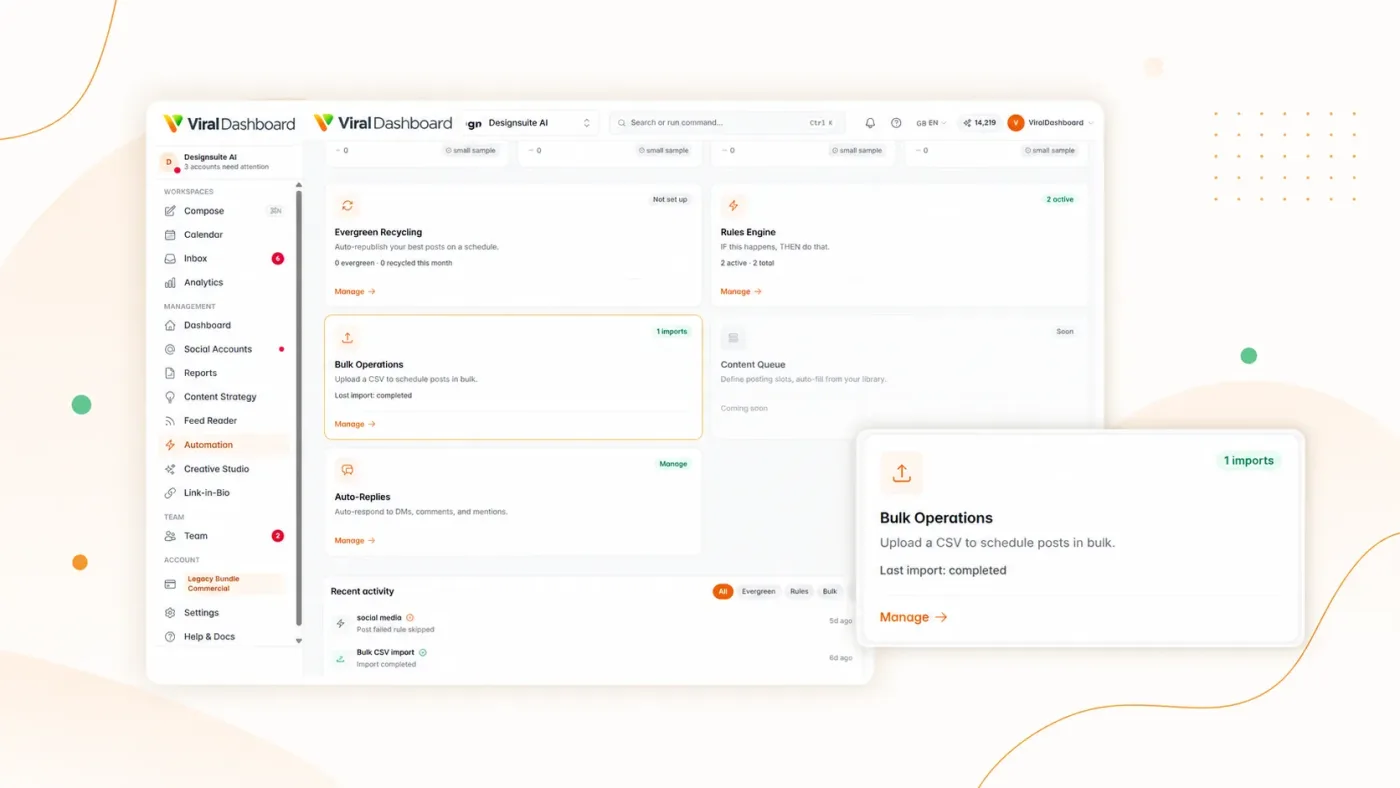
Document Post Builder
Upload a PDF or design slides directly in ViralDashboard, then publish as a swipeable document post.
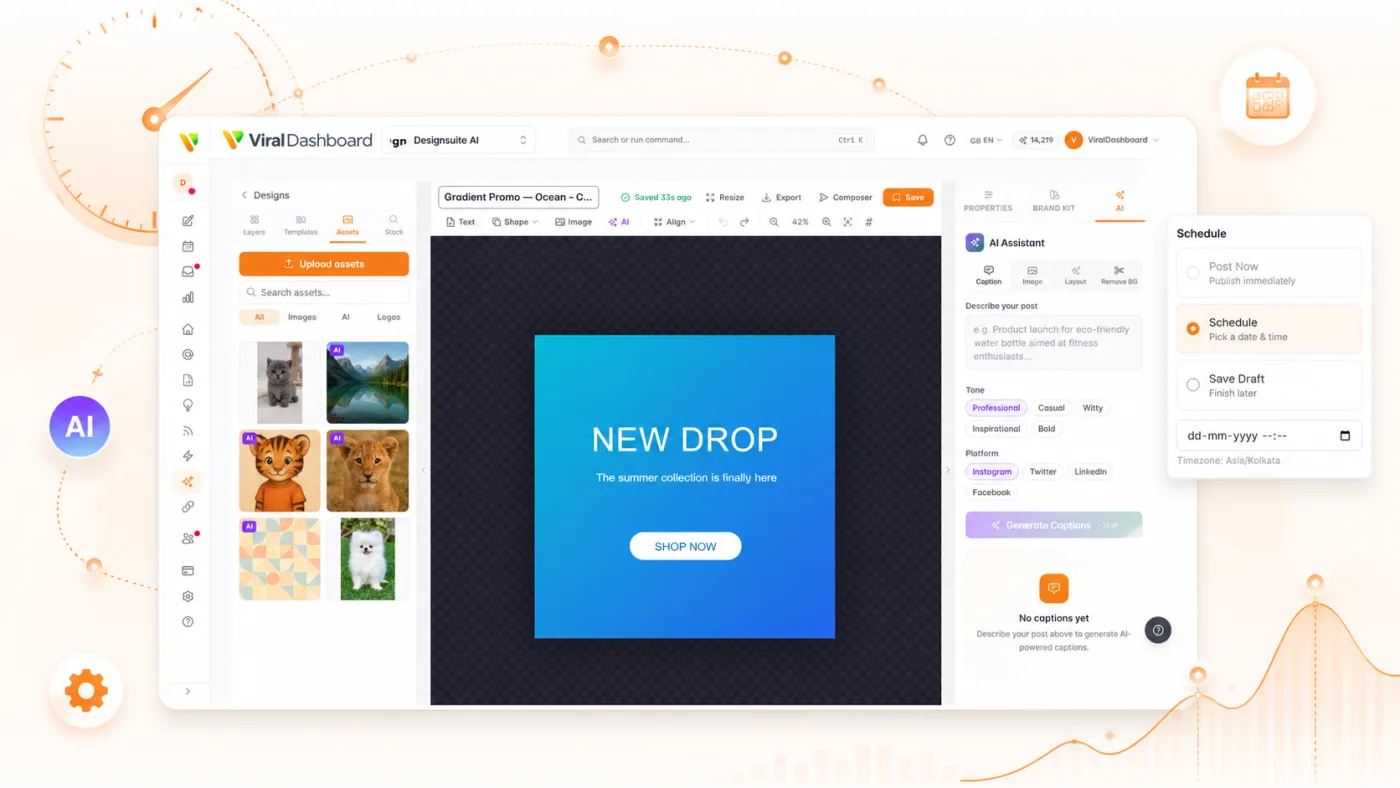
Optimal Timing
AI recommends the best days and times based on your audience's engagement history.
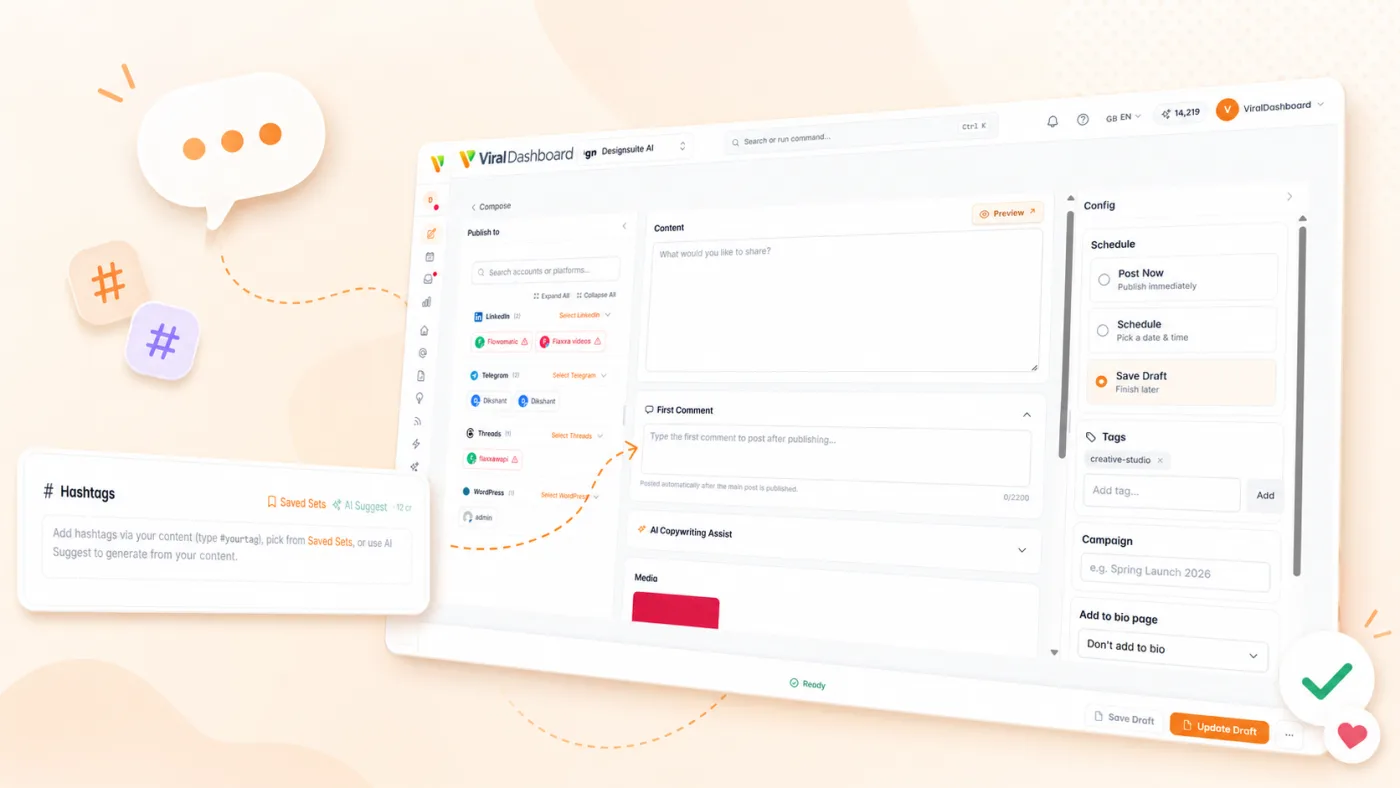
First Comment
Automatically add a first comment with a CTA or additional context when your post goes live.
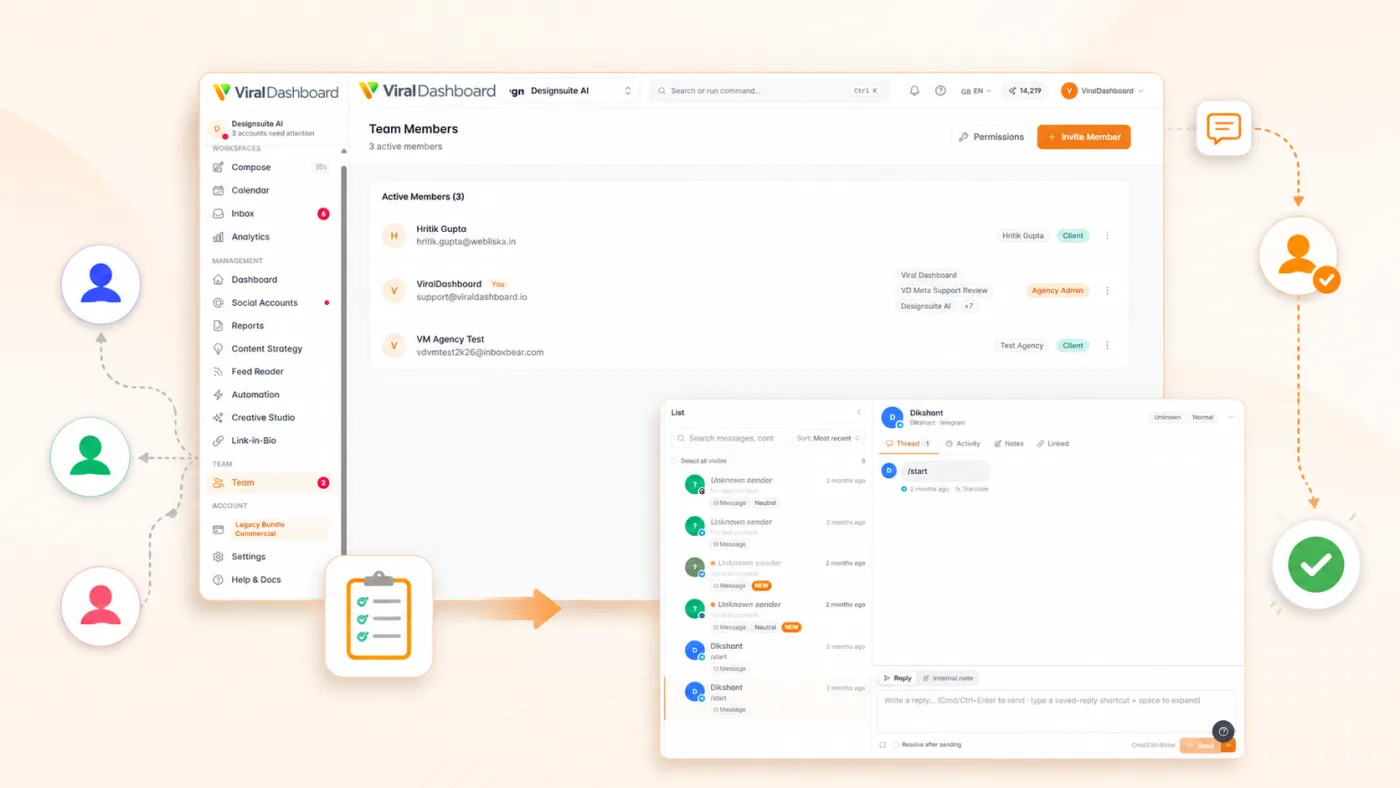
Approval Workflows
Route posts through manager or client review with inline feedback and version tracking.
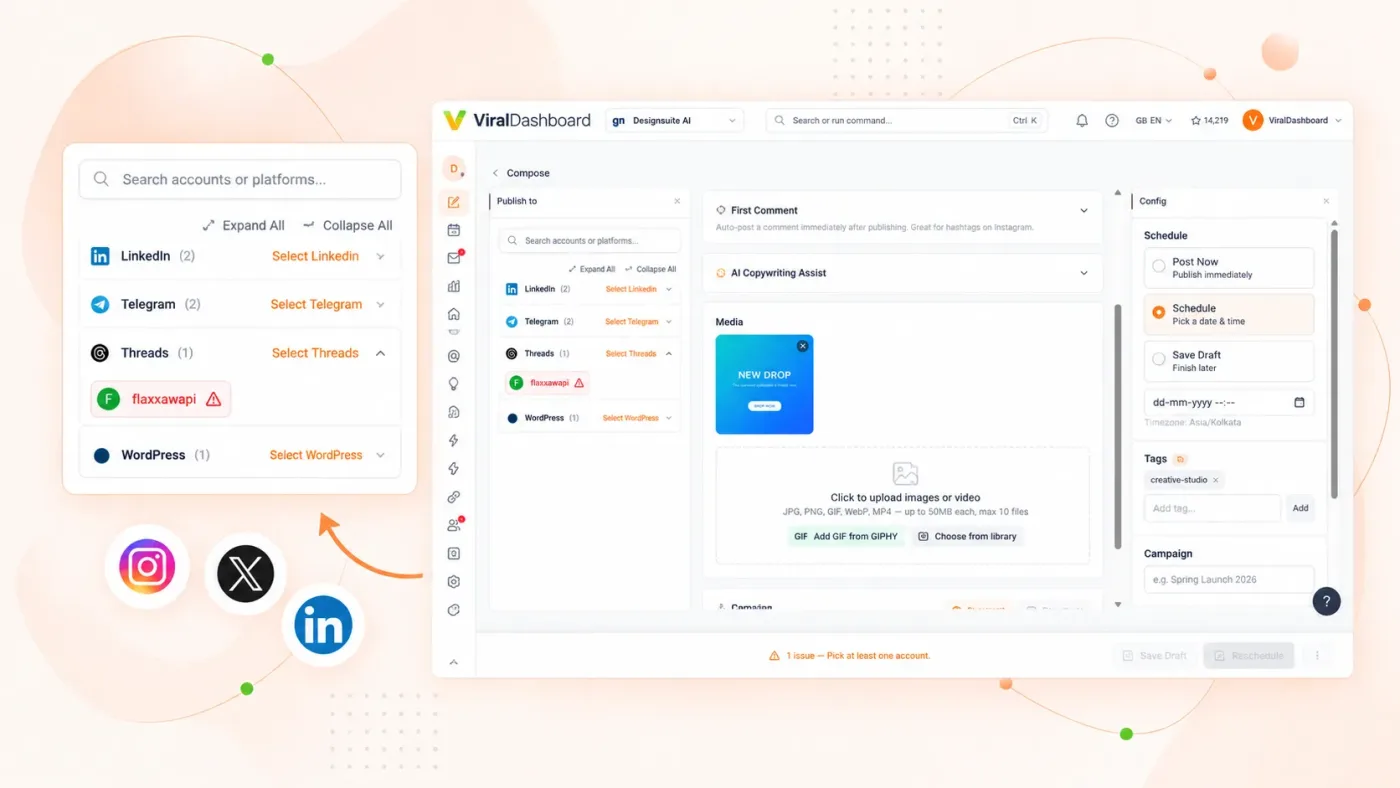
Cross-Post Adaptation
Turn an Instagram carousel or Twitter thread into a LinkedIn document post with one click.
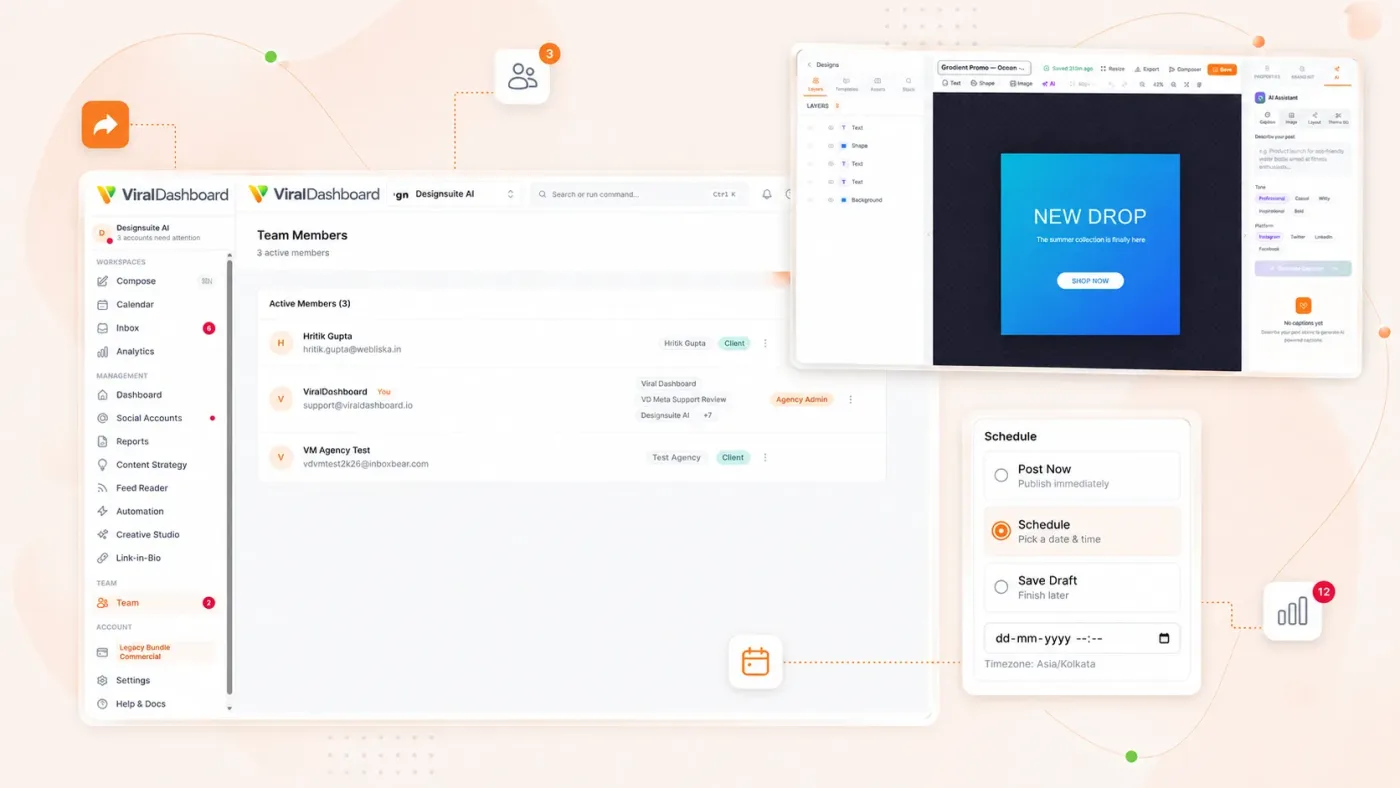
Employee Advocacy
Schedule content for your company page and notify team members to engage, extending organic reach.
Configuración
Uses LinkedIn’s official Marketing API with OAuth 2.0. Your credentials stay with LinkedIn.

Social Accounts
Go to Settings > Social Accounts.
Connect
Click "Connect LinkedIn."

Authorize
Log in and grant publishing, commenting, and analytics permissions.
Select
Connect personal profile, company pages, or both.

Publish
LinkedIn appears in composer, calendar, inbox, and analytics.
Start today
Construya su marca profesional en piloto automático
Planifica semanas de contenido de LinkedIn en una sola sesión. Concéntrese en conversaciones que hagan crecer su negocio.