X / Twitter Integration
Maîtriser X
Sans vivre de X
Planifiez, programmez et publiez votre contenu X à l'avance tout en restant à l'écoute grâce à la surveillance en temps réel de la boîte de réception et aux analyses détaillées. Plus besoin de rédiger des tweets à la volée.
Ce que vous pouvez faire avec ViralDashboard + X
Publish, engage, and analyze — all from one dashboard.
Tweets & Threads
Write and schedule text tweets, multi-tweet threads with drag-and-drop reordering, images (up to 4), video, and polls.
Unified Inbox
DMs, @mentions, and quote tweets in real time. AI classification auto-tags as support, feedback, spam, or opportunities.
X API v2 Analytics
Impressions, engagement rate, likes, retweets, replies, link clicks, follower growth, top content, and audience insights.
AI Composer
Refine tone, suggest tweet variations, generate thread ideas from a single topic. Hashtag suggestions based on trends.
Bulk Scheduling
Plan an entire week of tweets in one session using the content calendar or CSV upload.
Cross-Platform Repurposing
Turn a tweet thread into a LinkedIn post, Instagram carousel, or blog draft with one click.
Types de contenu pris en charge
| Content Type | Supported |
|---|---|
| Text Tweet | |
| Image Tweet (up to 4) | |
| Video Tweet | |
| Thread | |
| Poll | |
| Retweet / Quote Tweet | Inbox monitoring |
Principales fonctionnalités de X
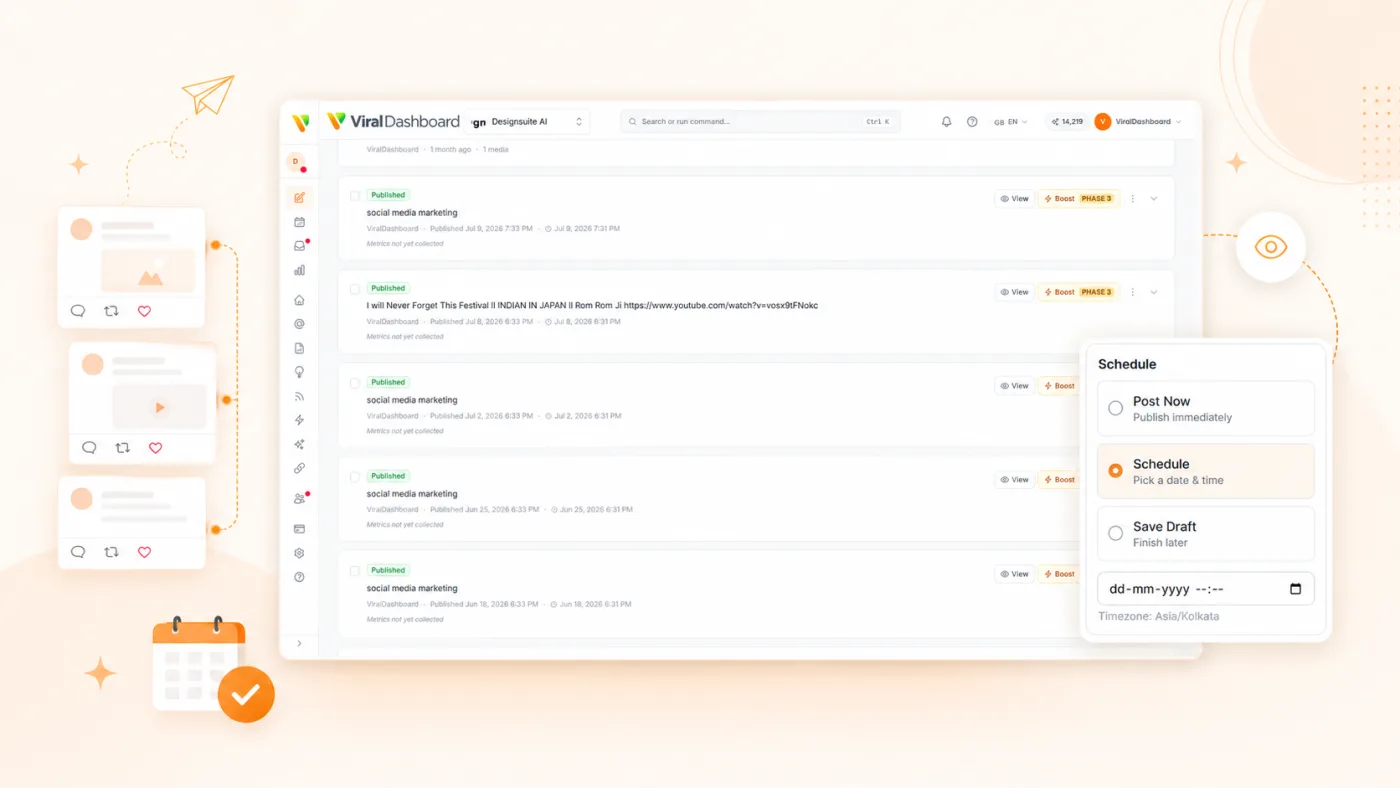
Thread Composer
Build threads visually with a card-based editor. Rearrange tweets, preview the full thread, and schedule as one unit.
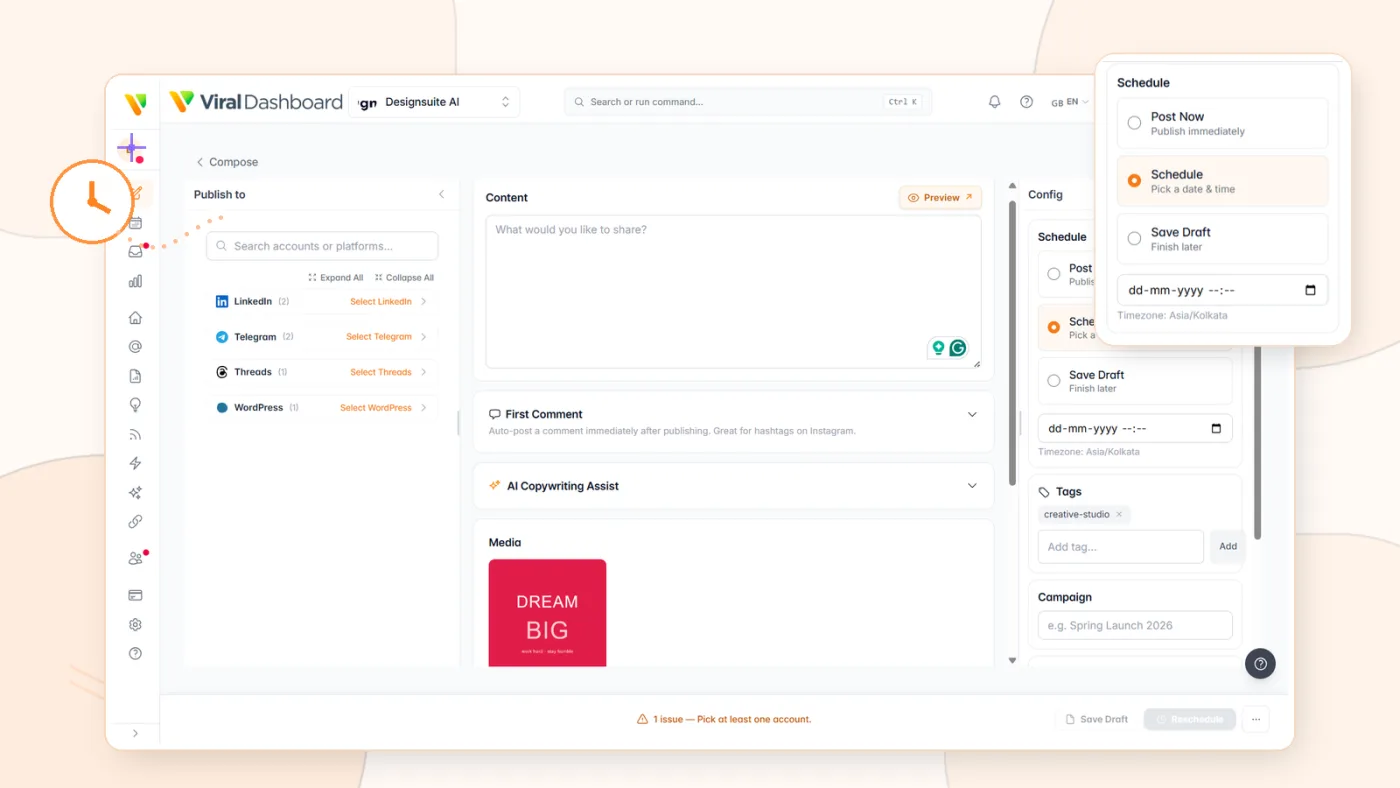
Optimal Timing
AI recommends the best times to tweet based on your audience's engagement patterns.

Approval Workflows
Route tweets through team review before they go live, with edit suggestions and approval tracking.
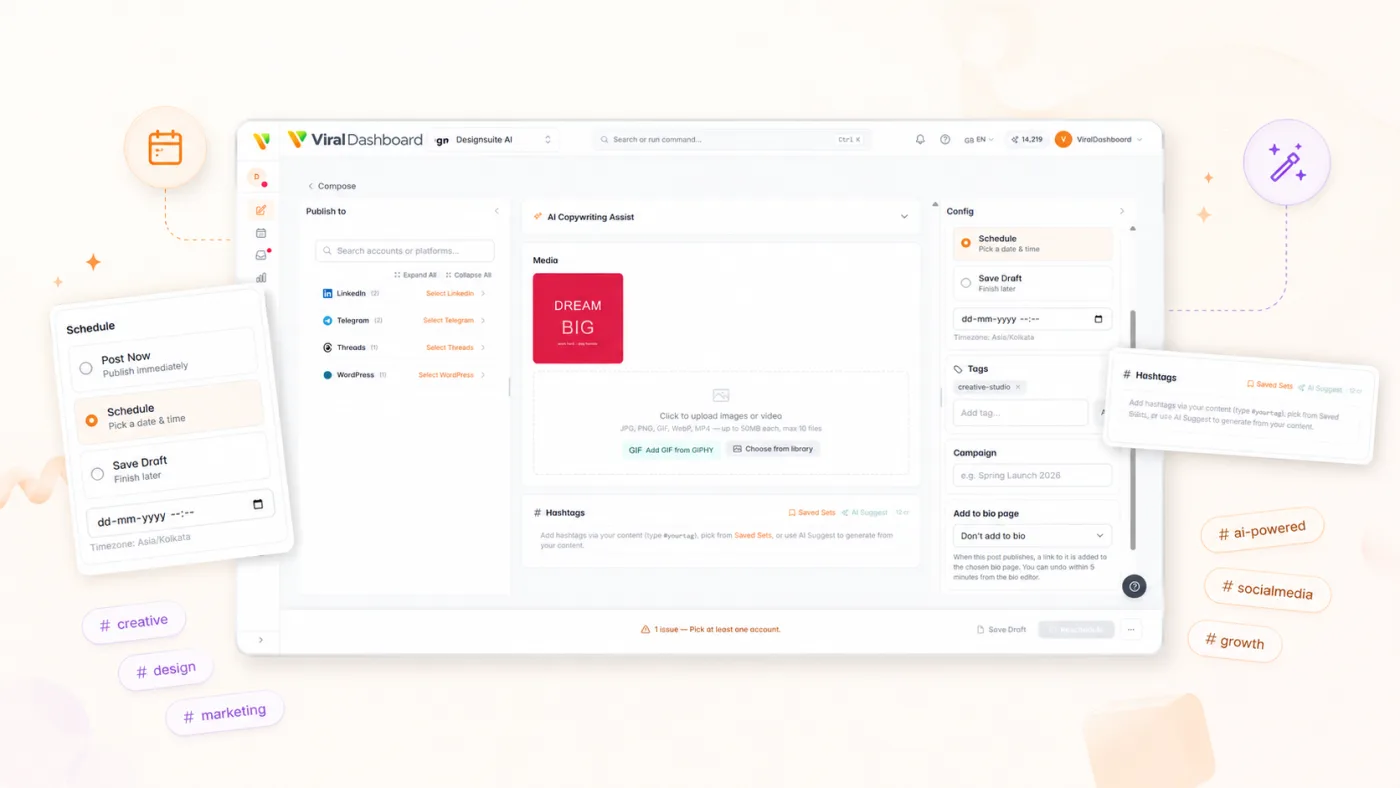
Hashtag Suggestions
Get relevant hashtag recommendations based on tweet content and trending topics.
Installation
Connects through the official X API v2 with OAuth 2.0 PKCE. Your password is never shared.

Social Accounts
Go to Settings > Social Accounts.

Connect X
Click "Connect X / Twitter."

Authorize
Log in and grant permissions via OAuth.
Select Accounts
Connect personal or brand accounts.

Start Scheduling
X appears in composer, calendar, inbox, and analytics.
Start today
Arrêtez de réagir. Commencez à élaborer une stratégie.
Planifiez votre présence X à l’avance. Engagez-vous à partir d’une seule boîte de réception. Prouvez votre impact avec de véritables analyses.