Meta Integration
The Complete Facebook & Instagram
Command Center
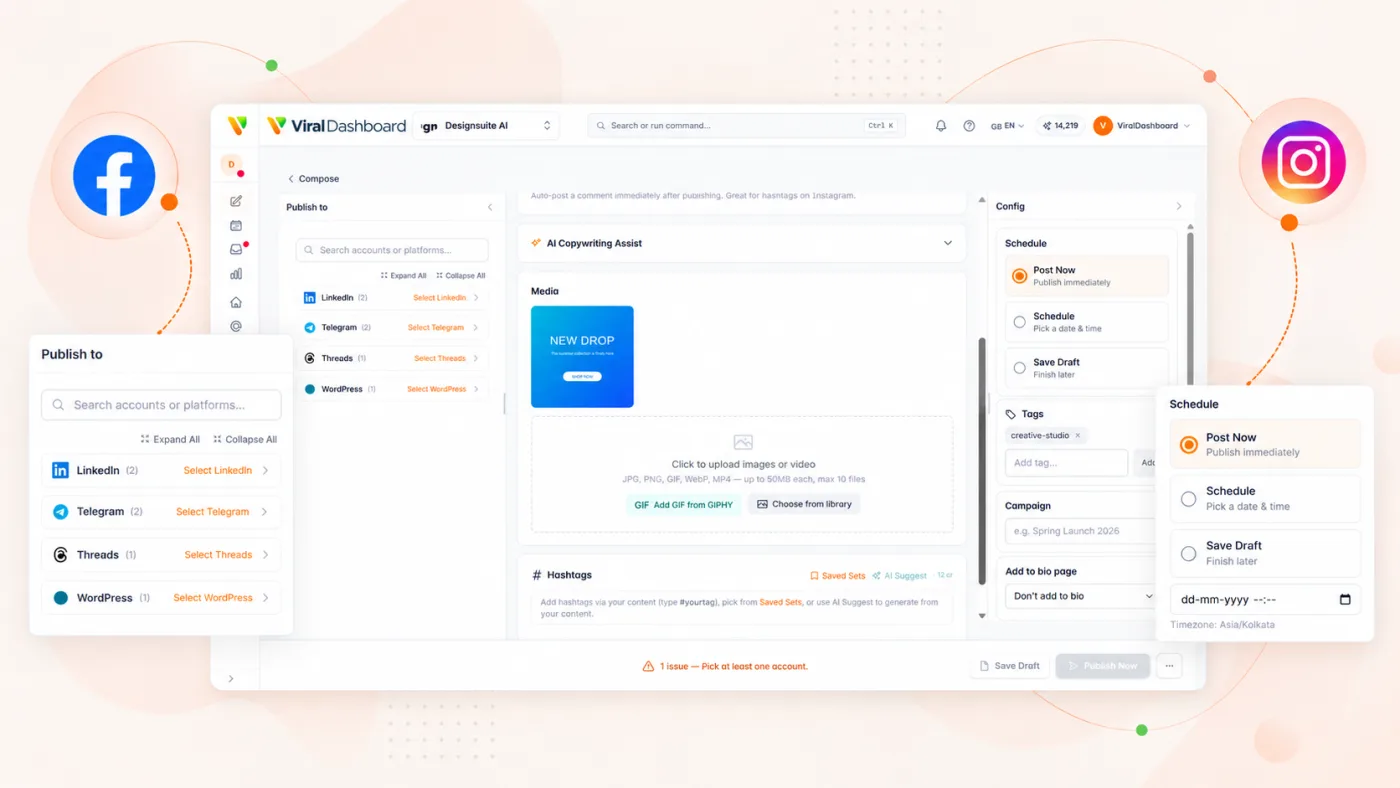
Full control over both platforms from a single workspace. Publish every content format, manage every conversation, and track every metric without ever opening Meta Business Suite.
What You Can Do With ViralDashboard + Meta
Publish everything, engage everywhere, measure what matters.
Feed Posts & Link Posts
Text, single image, multi-image, and video posts to Facebook Pages and Instagram profiles. Link posts with customized previews on Facebook.
Reels & Stories
Schedule Instagram and Facebook Reels with cover images, captions, and hashtags. Plan and publish Stories on a schedule, not on the fly.
Carousels
Design multi-slide Instagram carousels with drag-and-drop ordering. Visual preview before publishing.
Unified Inbox
Reply to Instagram DMs, Facebook Messenger, comments, mentions, and tags from one place. AI classification sorts by priority.
Full Insights Analytics
Page analytics, post performance, audience demographics, Instagram-specific metrics. Exportable PDF and CSV reports.
AI Composer
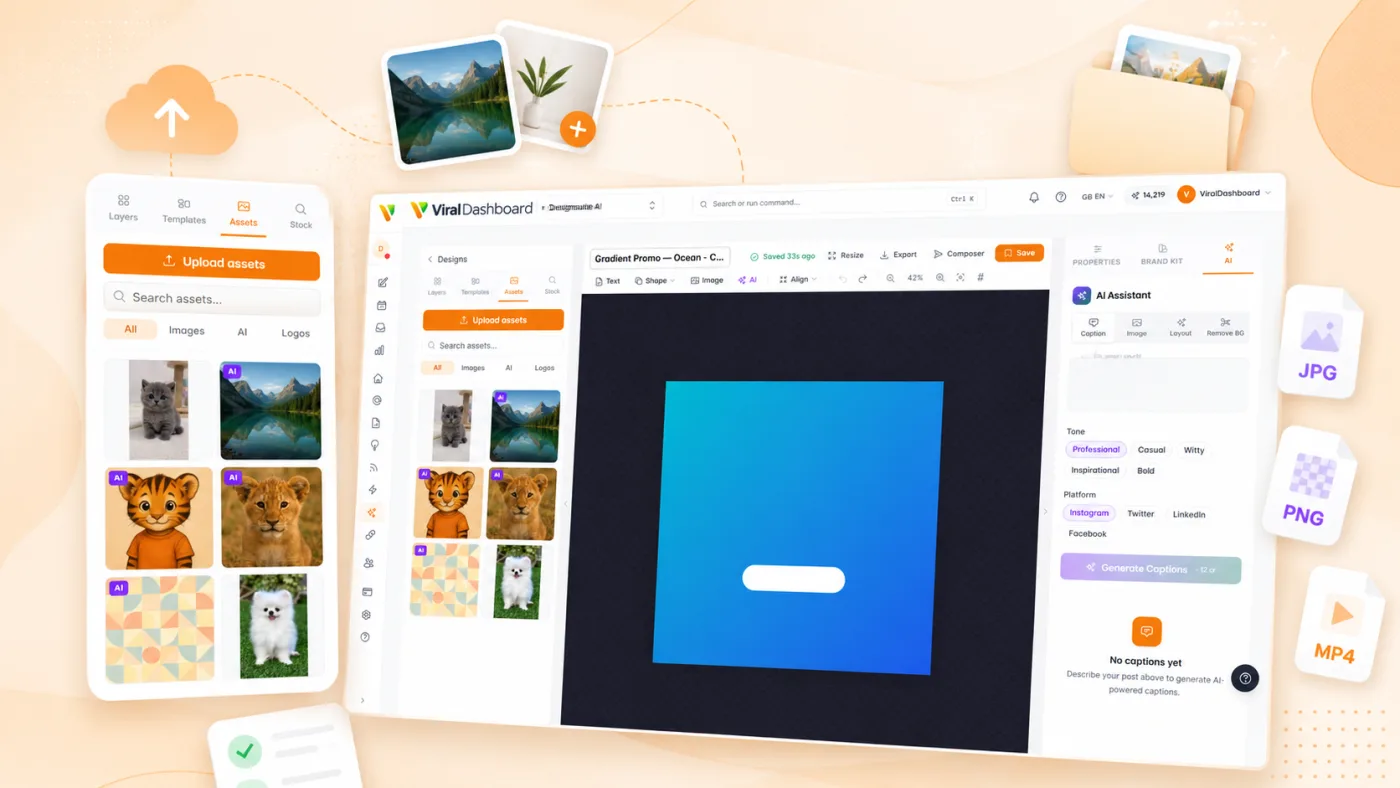
Generate captions, suggest hashtags, and resize media for each format automatically. Boost top-performing posts directly from the dashboard.
Supported Content Types
| Content Type | ||
|---|---|---|
| Text Post | — | |
| Image Post | ||
| Video Post | ||
| Carousel | — | |
| Reels | ||
| Stories | ||
| Link Post | — | |
| Live (monitoring) |
Key Features for Meta Platforms
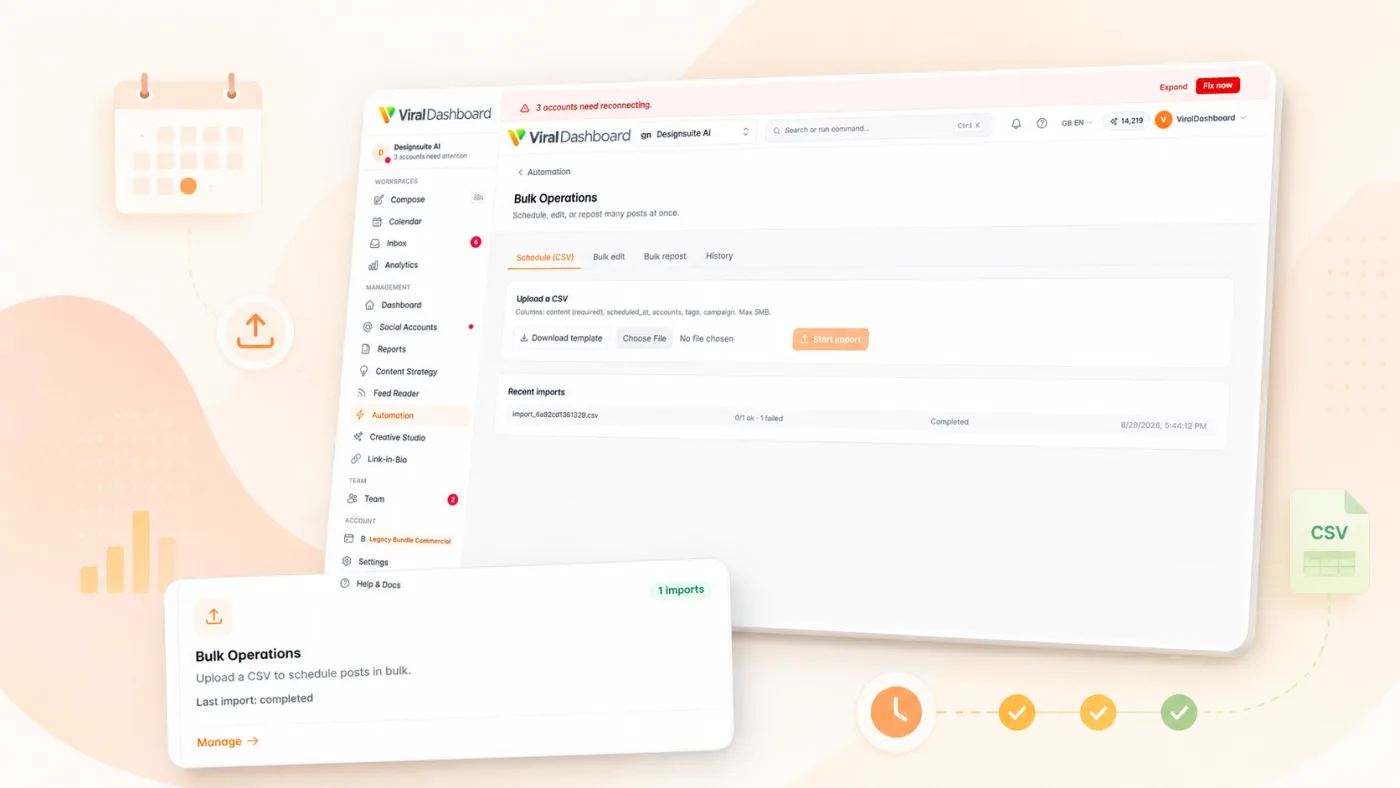
Bulk Scheduling
Upload a CSV or use the content calendar to schedule weeks of content in one session.
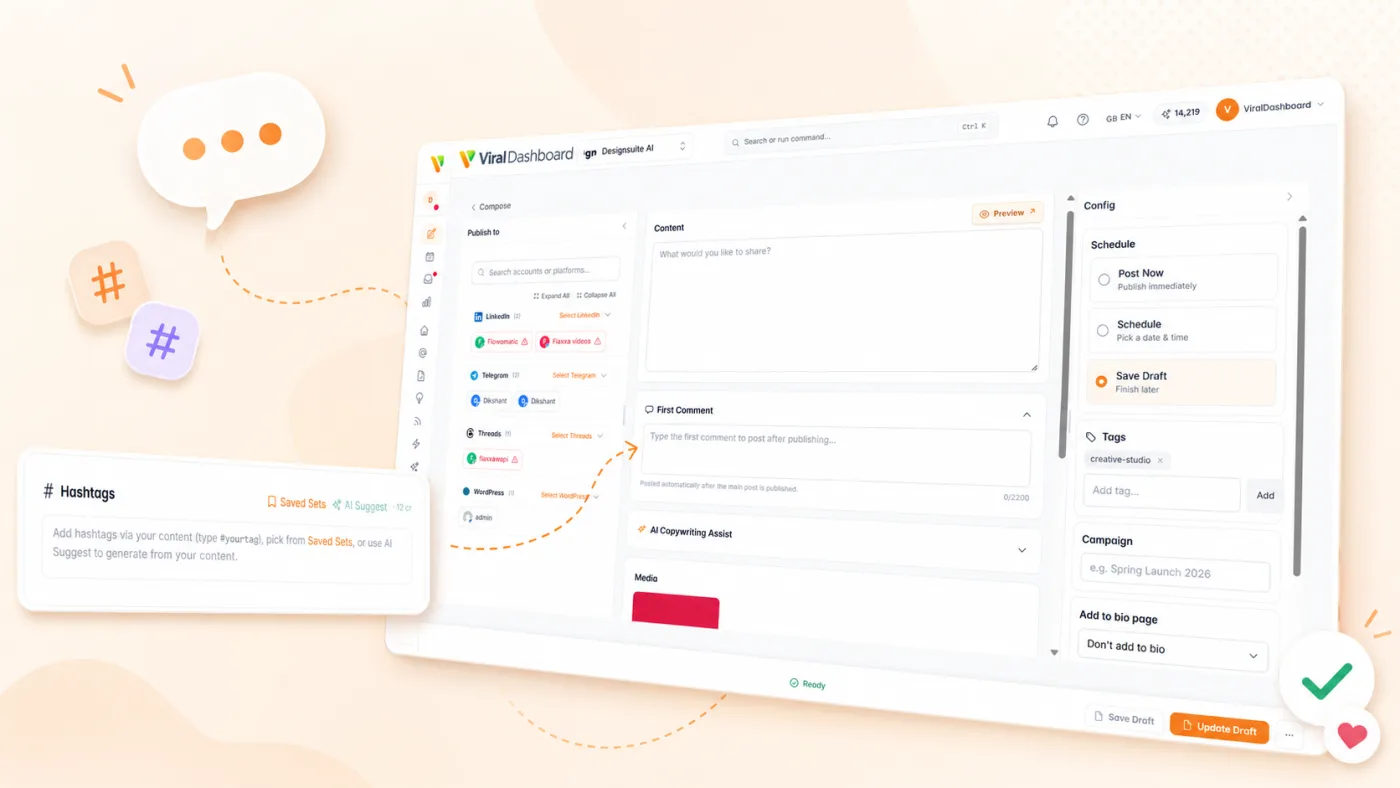
First Comment
Automatically post a first comment with hashtags or CTAs on Instagram posts.
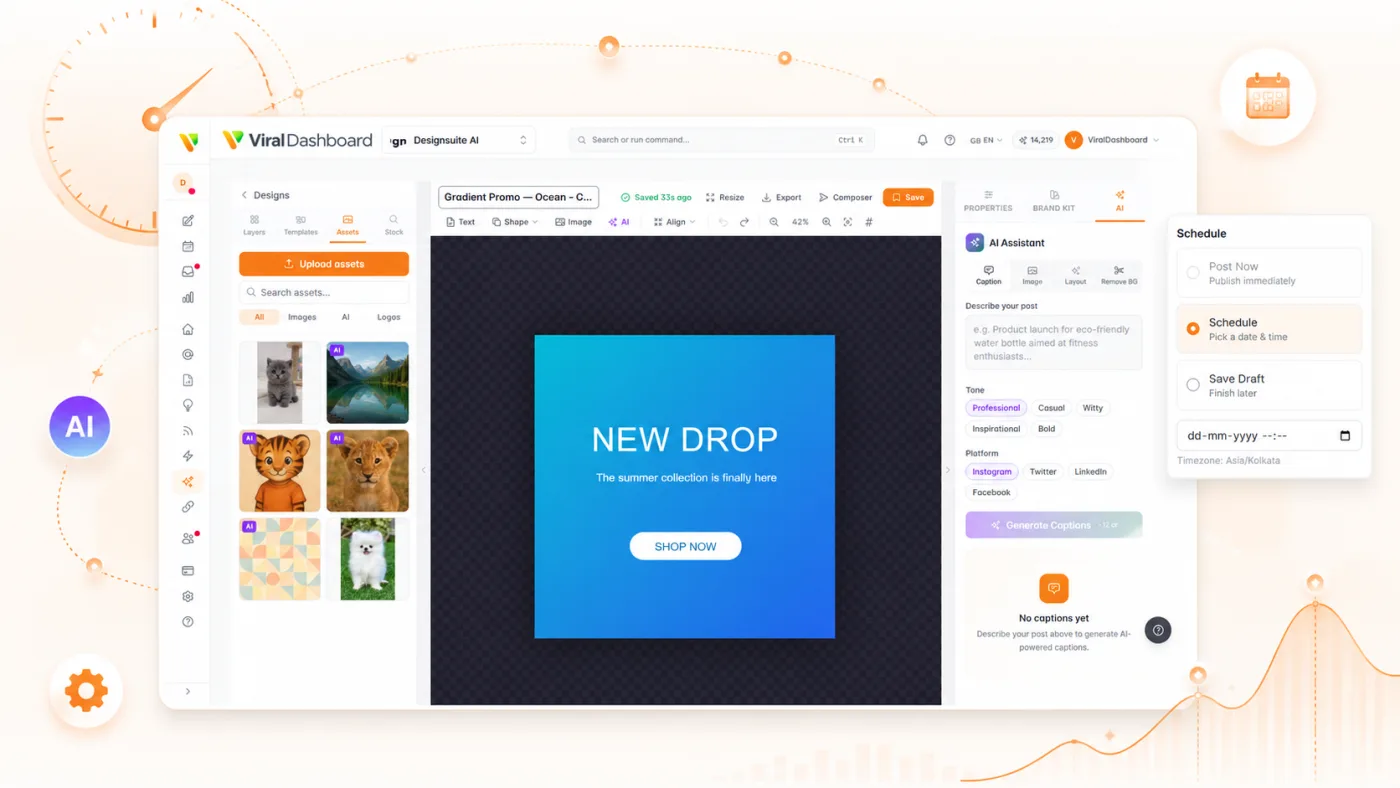
Optimal Send Time
AI analyzes your audience's active hours and suggests the best publishing windows.
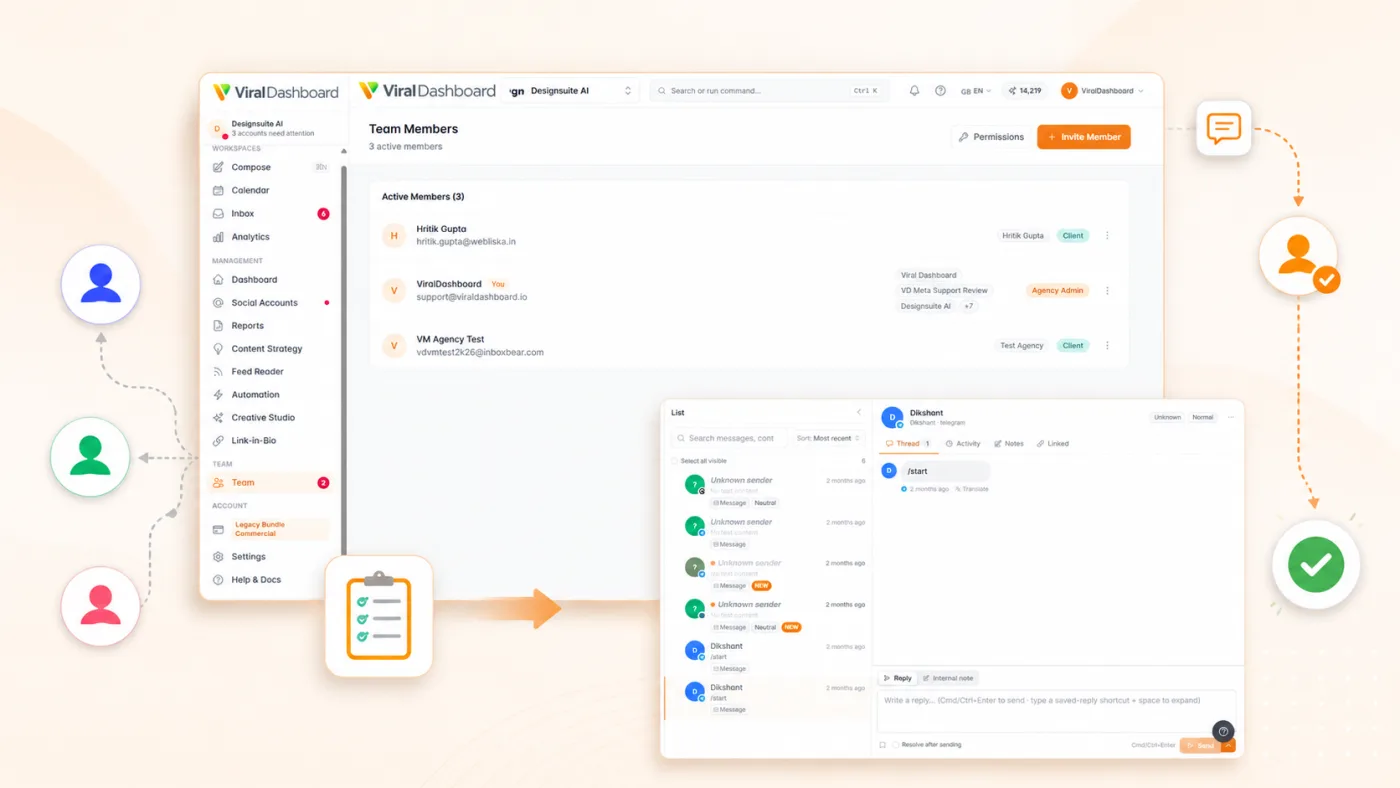
Approval Workflows
Route posts through team review before they go live.
Cross-Post
Publish to Facebook and Instagram simultaneously with format adjustments applied automatically.
Content Library
Store approved images, videos, and templates for reuse across campaigns.
Setup in Under 2 Minutes
ViralDashboard uses Meta’s official API with OAuth 2.0. Your credentials are never stored on our servers.
Social Accounts
Go to Settings > Social Accounts.
Connect
Click "Connect Facebook" or "Connect Instagram."

Log In
Log in to Facebook and select Pages and accounts.
Permissions
Grant publishing, messaging, and analytics access.
Done
Your accounts are ready to use.
Start today
Ready to Take Control of Your Meta Presence?
Manage Facebook and Instagram the way they were meant to be managed — from one place, with AI on your side.